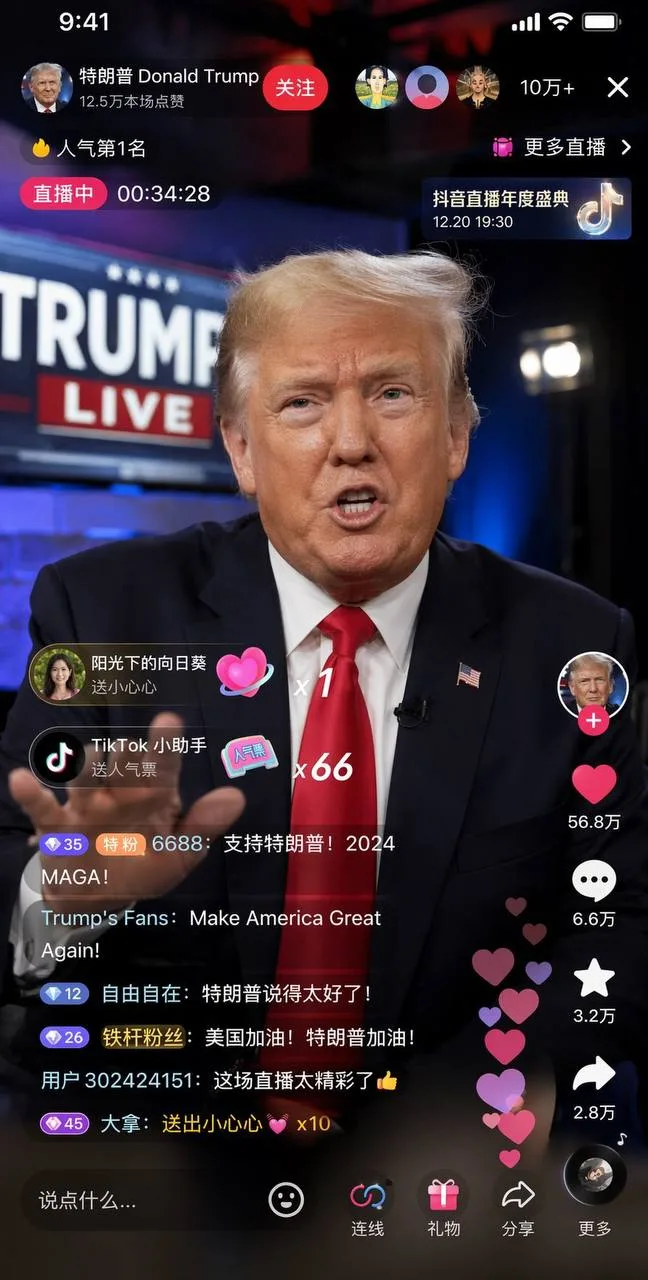
Political Live Stream UI
Generate and edit with GPT Image 2, Nano Banana, and more in one creative workspace for ads, ecommerce, UI mockups, posters, and social content.
New users get 5 free credits instantly, no credit card required.
Your creations start here
Describe what you want, then generate your first image.
Explore eight GPT Image 2 examples spanning lifestyle photography, fashion portraits, editorial covers, fantasy illustration, social UI scenes, and launch visuals.
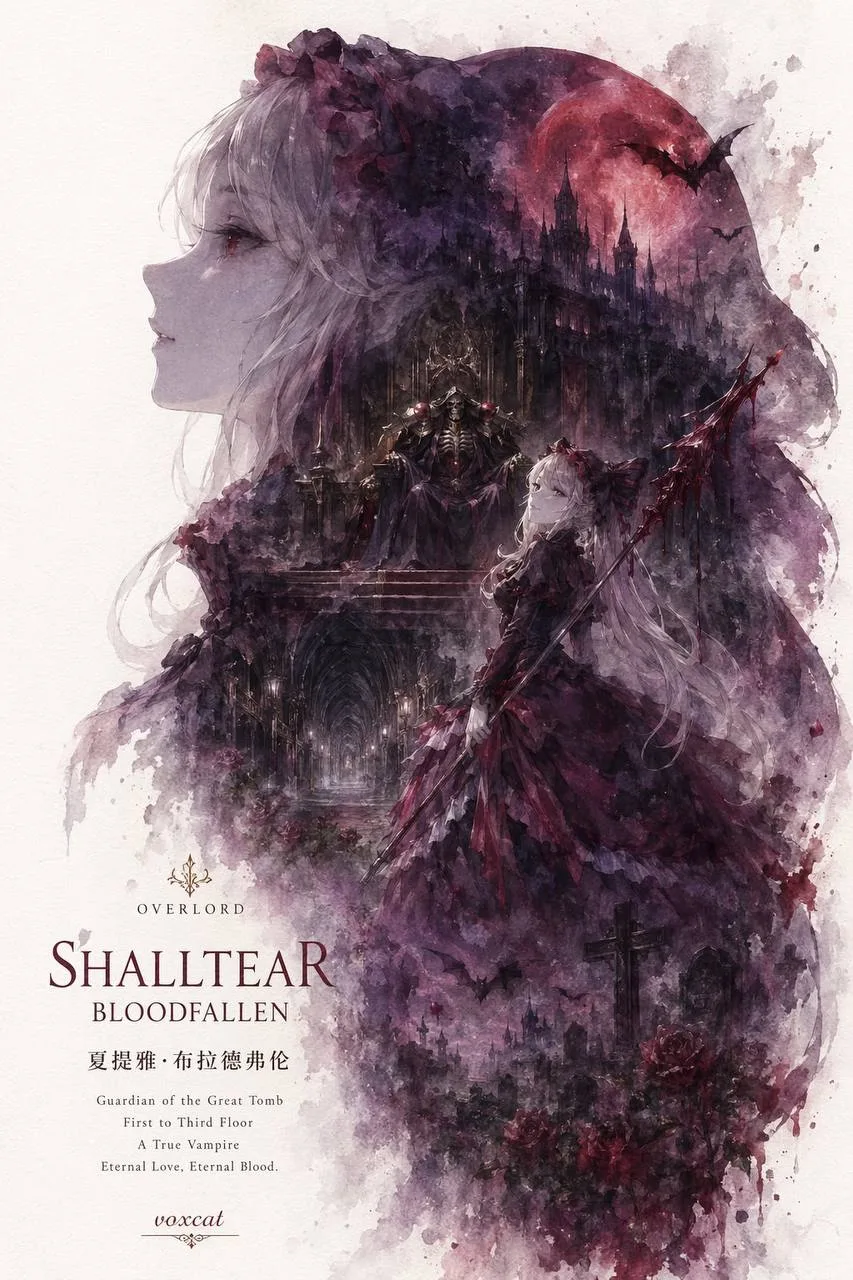
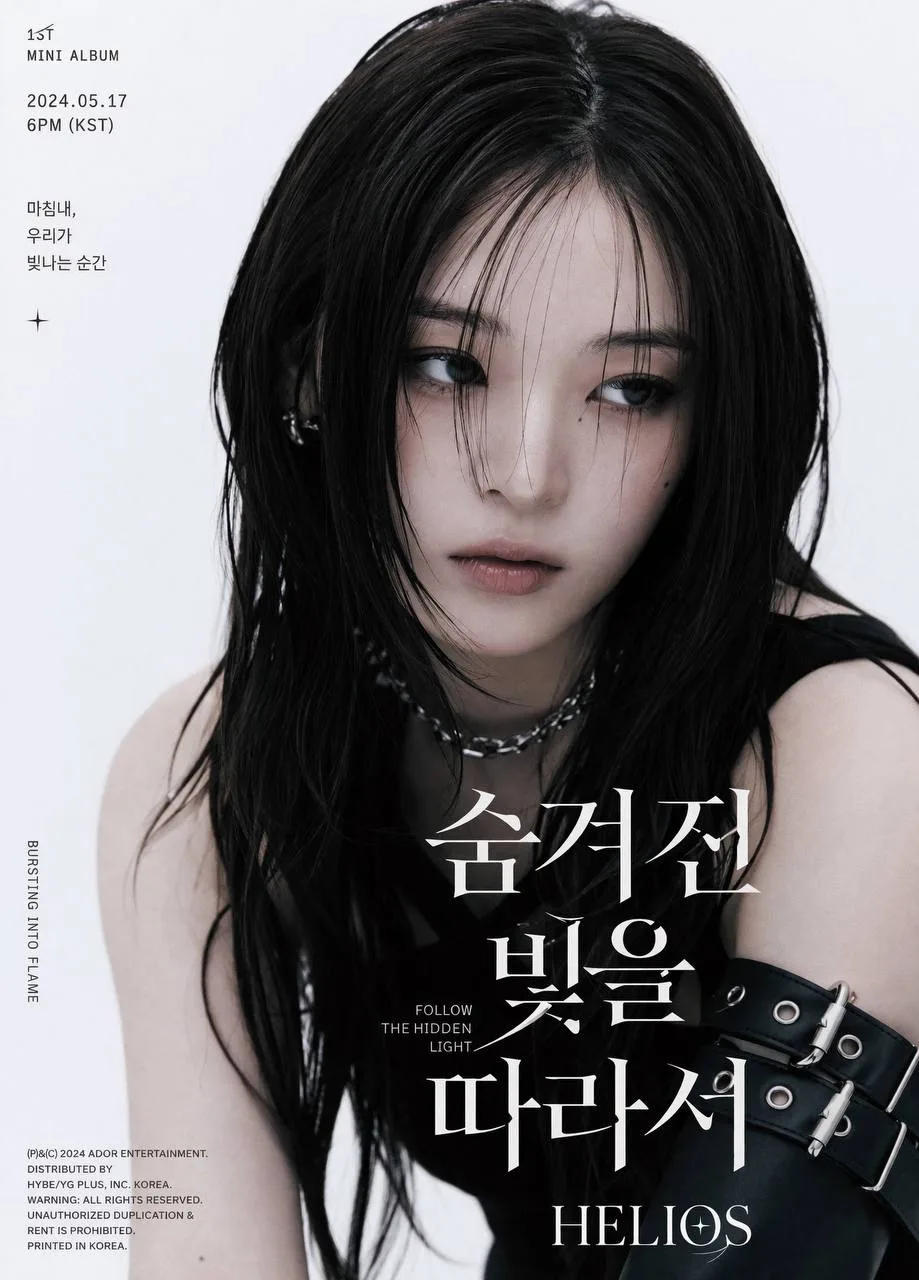
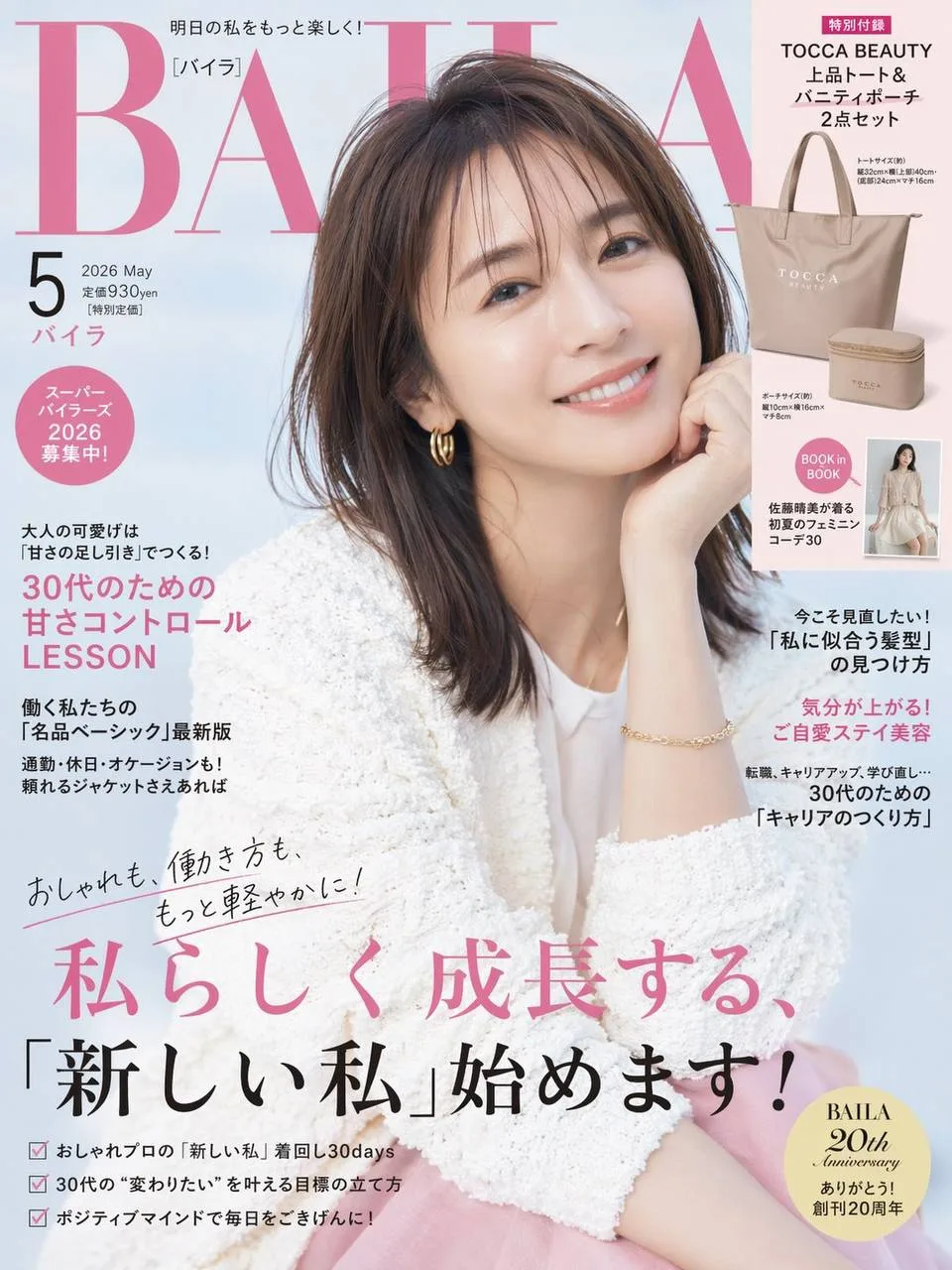
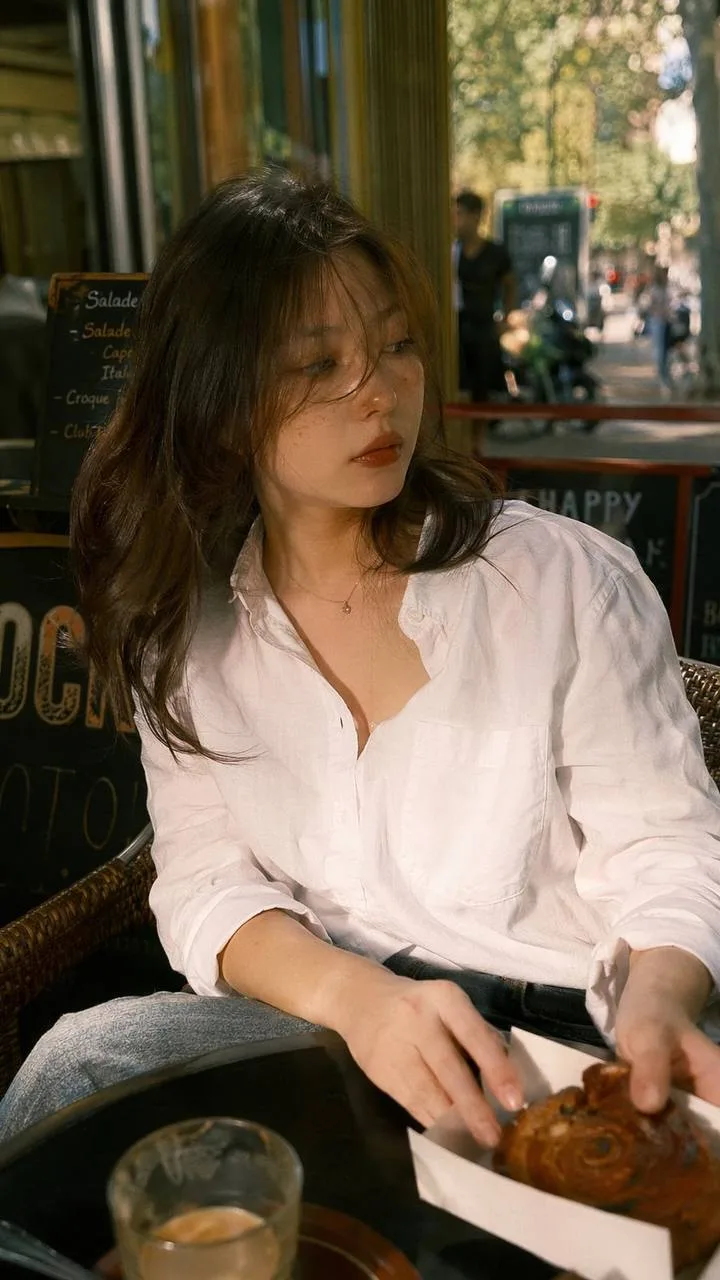
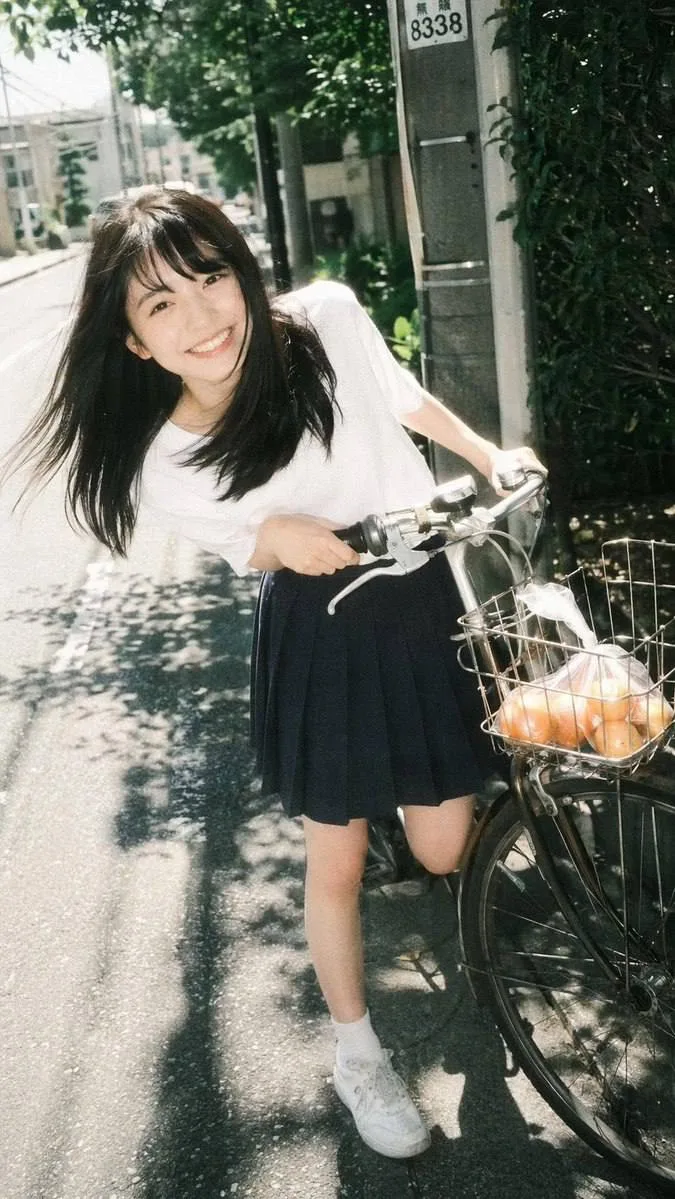
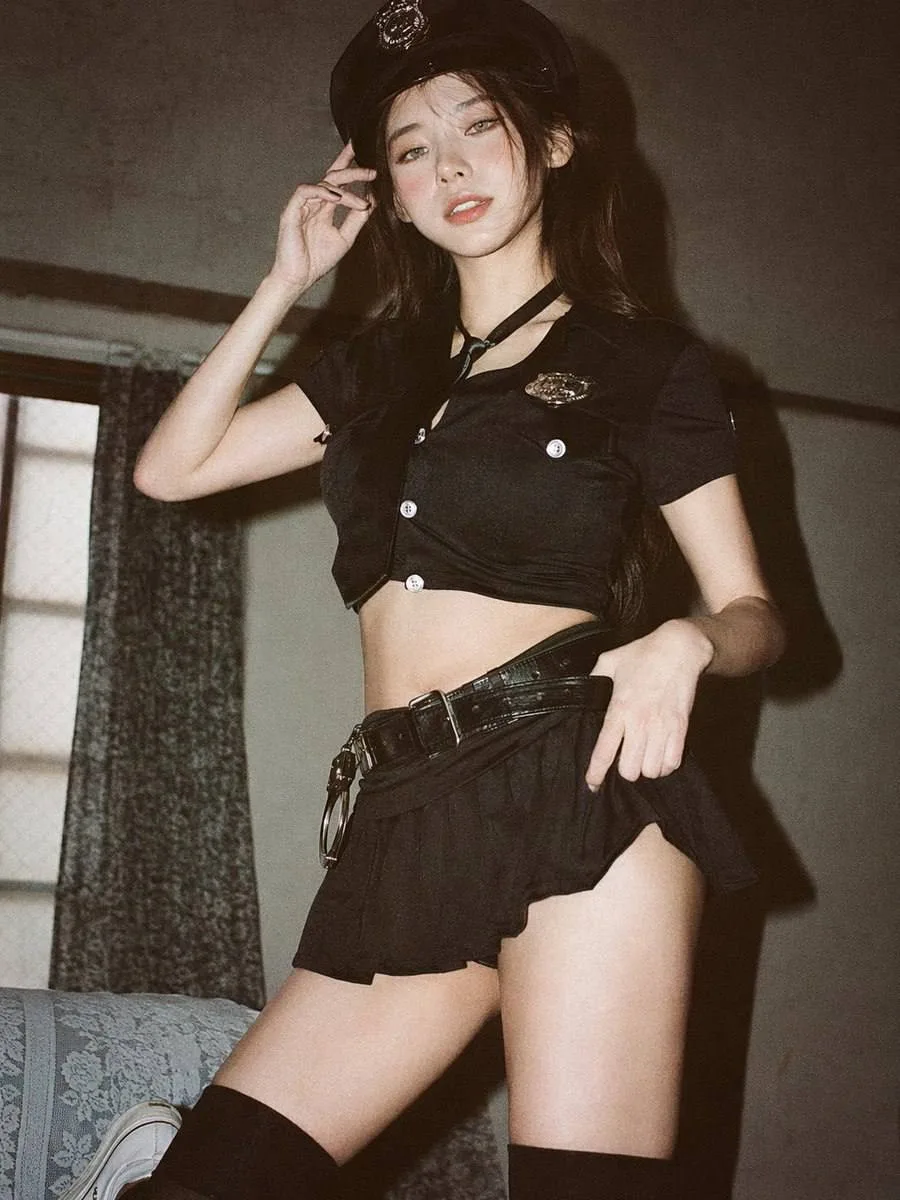
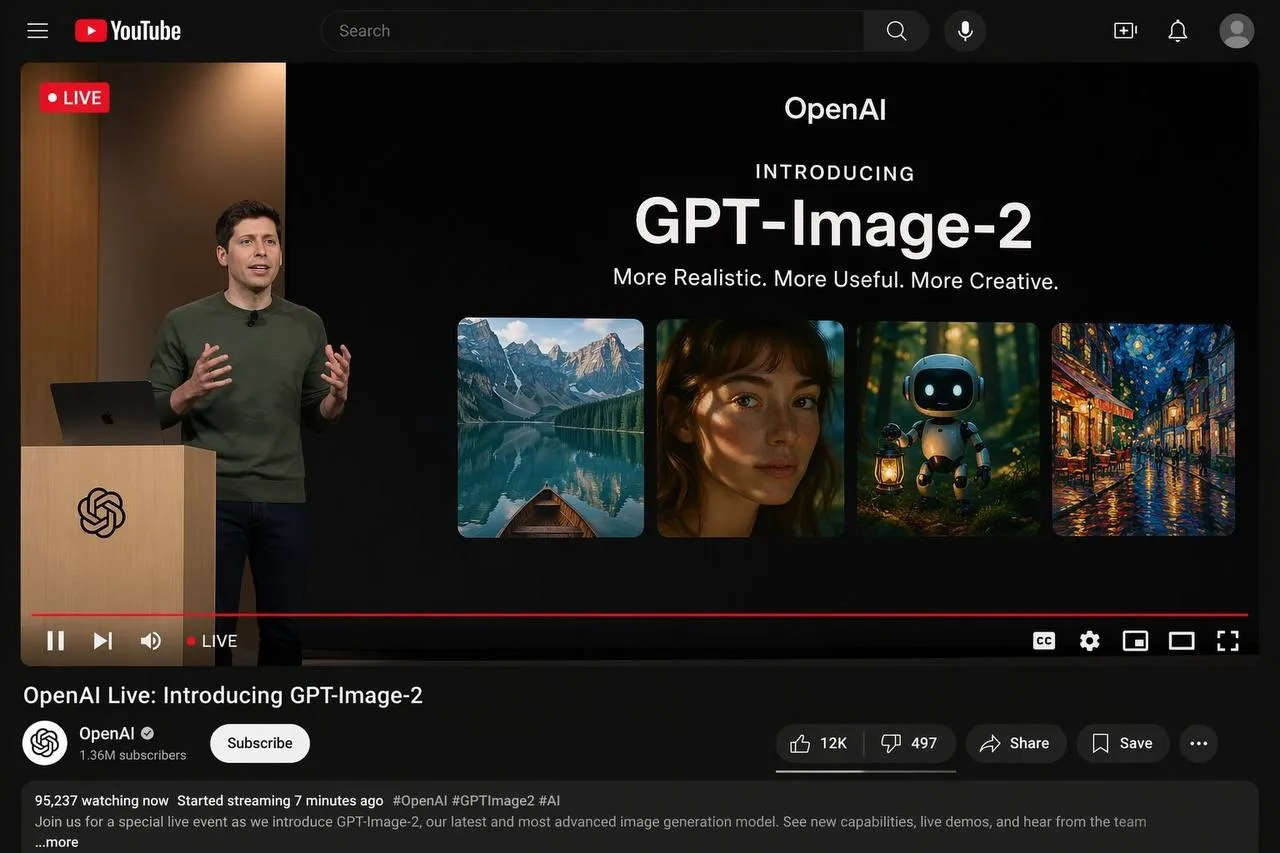
Image2 turns your creative brief into a multi-model production flow for image generation, reference editing, rapid iteration, and export-ready assets.
Generate images by specifying subject, layout, lighting, typography, and aspect ratio — then compare results and iterate in one workspace.
Generate posters, menus, labels, UI mockups, and screenshot-style visuals with near-accurate text rendering and clear typographic hierarchy.
Upload a product photo, draft layout, or existing creative and refine style, copy space, props, or background with the editing workflow.
Export high-resolution, campaign-ready assets for marketing, ecommerce, app launches, and branded content — ready for print, web, and social.
Image2 brings speed, creative control, clean text, and practical output together in one focused workspace.
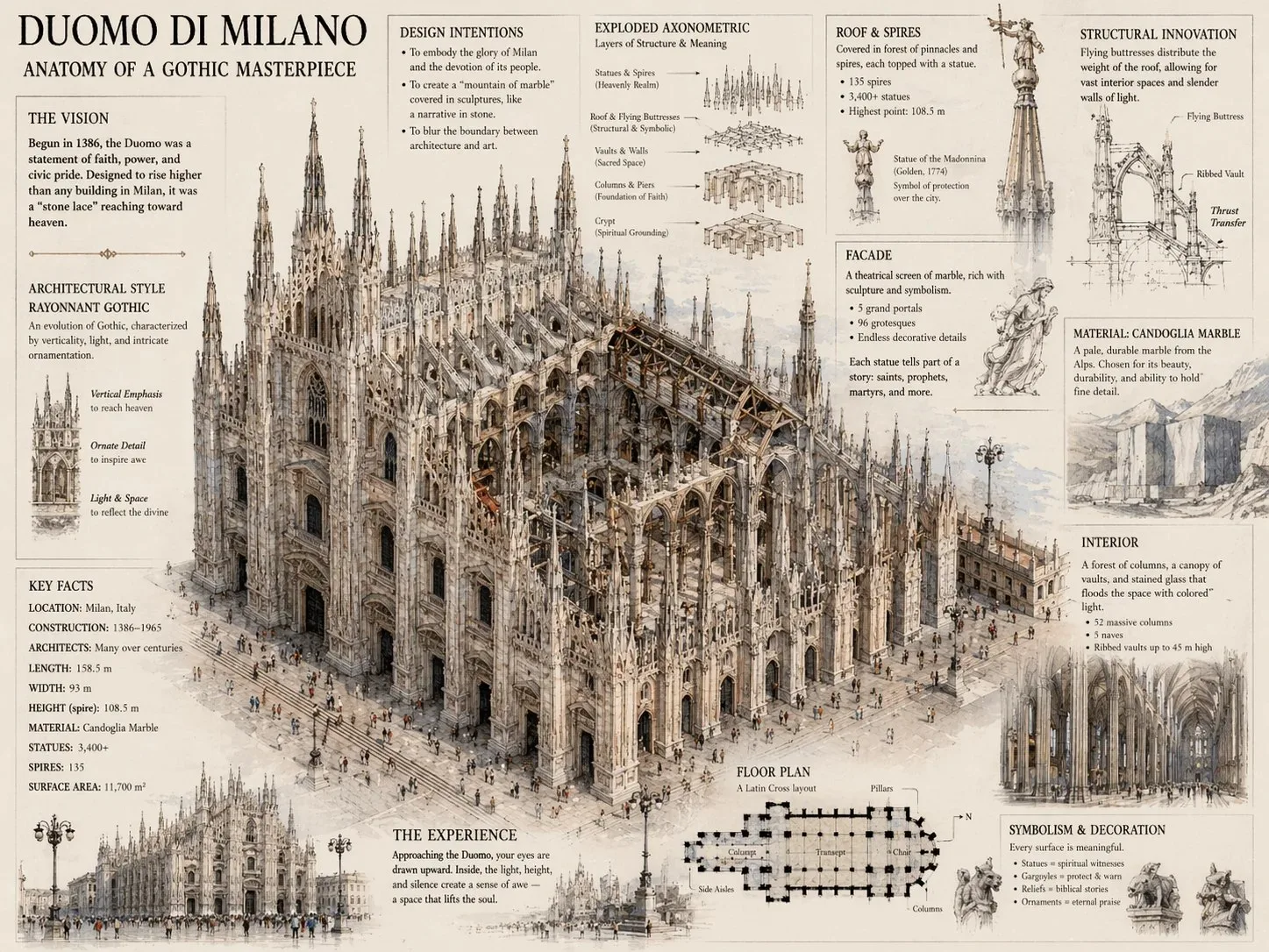
Go from brief to final export in one workspace.
Describe the subject, composition, lighting, materials, text, and format you need, or upload a reference image to guide the result.
Create the first batch, adjust prompt details, swap references, and refine until the output matches your campaign or product goal.
Download the winning version, save prompt patterns, and reuse the workflow across ads, store imagery, social posts, and launch pages.
Use this workflow for daily creative tasks, not just one-off experiments.
Build polished hero images for ecommerce, SaaS, and consumer brands with stronger composition, cleaner surfaces, and commercial-ready lighting.
Create onboarding screens, dashboard visuals, device mockups, and landing-page assets that need readable interface elements.
Use prompt patterns for flyers, packaging, labels, posters, menus, and announcement graphics where text layout matters.
Lock a character, subject, or art direction across multiple generations so every output feels like one campaign — not a set of unrelated images.
Upload an existing asset and guide changes to color, styling, copy area, props, or environment without starting from scratch.
Test multiple creative routes quickly, compare outputs side by side, and keep only the variants that fit your audience and channel.
Answers about Image2, supported AI models, reference-image editing, and getting started.
Try multi-model image generation and reference editing with free credits.